From Copy-Paste Hell to Vibe Coding: Automating Feedback with MCP
Explore how the MCP transforms the traditional 'human router' workflow into an automated feedback loop, enabling 'Vibe Coding' where the AI iterates on the feedback loop until the code is correct.
We’ve all been there. The “AI Loop of Despair”.
Before AI agents became more autonomous, using tools like ChatGPT for coding felt like a chore. You ask for code, copy it, paste it into your IDE, run it, see an error, copy the error log, paste it back into the chat… and repeat.
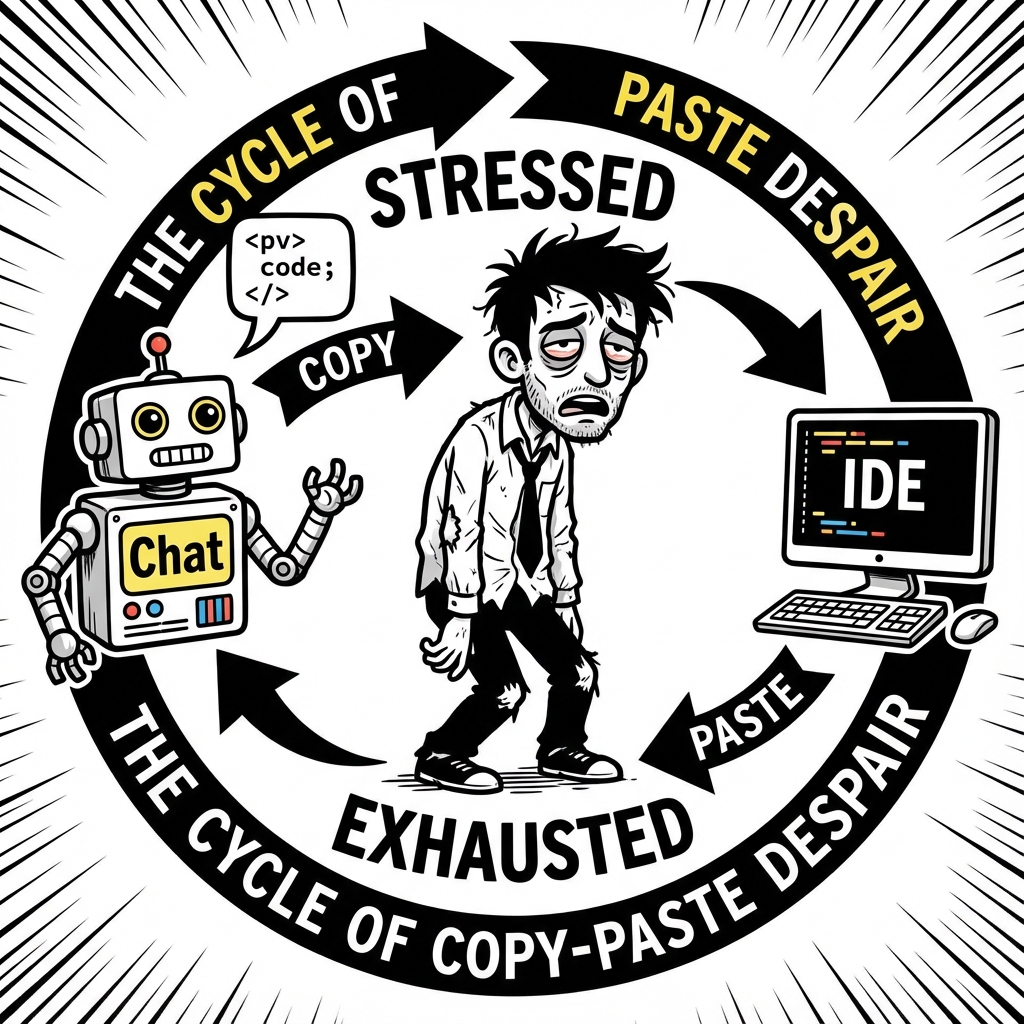 The traditional “human router” workflow.
It’s exhausting. And if the context window fills up, the AI starts hallucinating, and you’re stuck in an infinite loop of broken code.
The Agent Era: A Step Forward, But Still Blind
Then came AI Agents. Suddenly, the AI could write files directly to your project. No more manual copy-pasting of code! This was a huge leap forward.
But for many, the workflow is still broken. You ask the agent to implement a feature. It writes the code and says “Done!”. But is it really done?
You still have to:
- Run the code.
- Check the browser to see if it looks right.
- Deploy it to a test environment.
- Copy-paste any new error logs back to the agent.
The agent is like a talented coder who is blindfolded. It can write code, but it can’t see the screen or the error logs unless you tell it what’s happening.
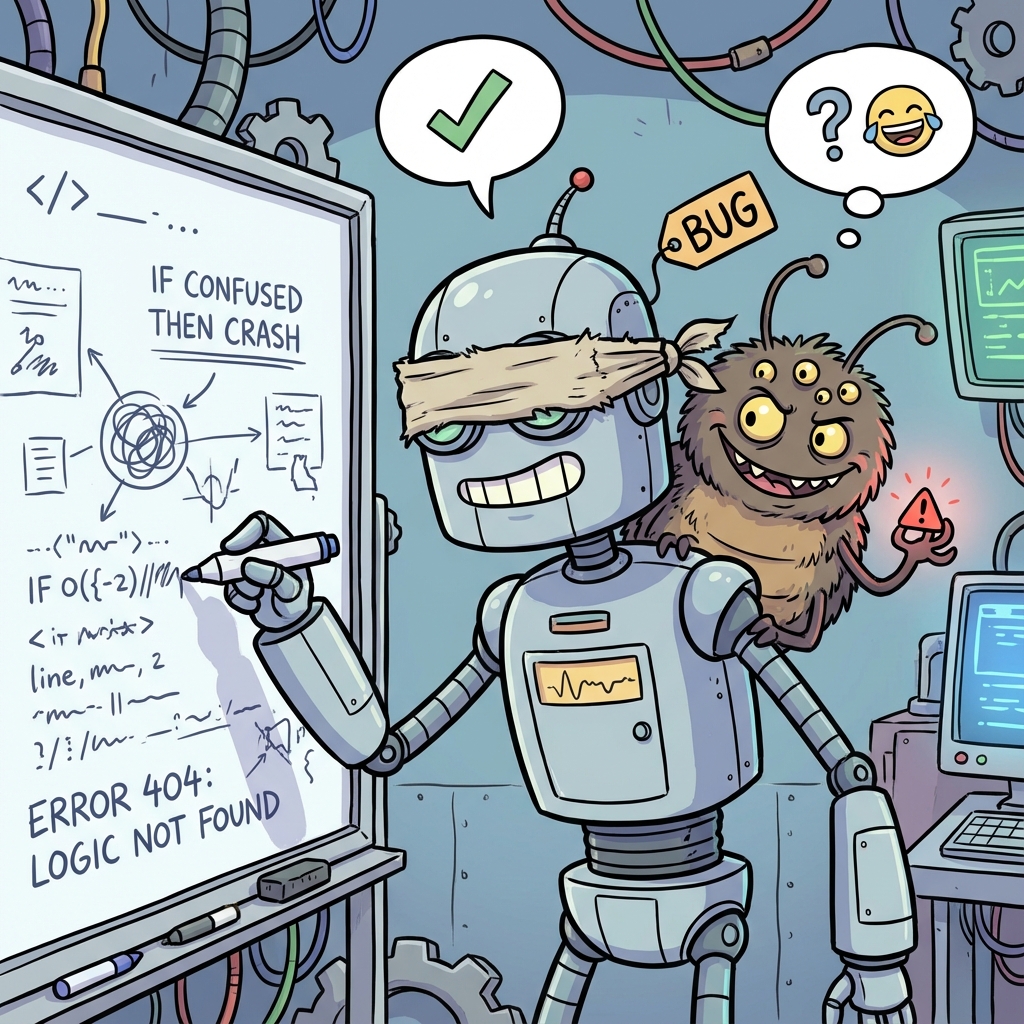 An agent writing code without being able to see the results.
Enter MCP: Giving the Agent Eyes and Hands
This is where the Model Context Protocol (MCP) changes the game.
MCP allows us to connect AI models to your local tools and environments. Instead of you acting as the middleman, the agent can access the information it needs directly.
Imagine an agent that can:
- Read the logs directly from your terminal.
- Open the browser and check the rendered page using the Chrome DevTools MCP.
- Compare the result against the original design using the Figma MCP.
If an error occurs, the agent sees it immediately, fixes it, and re-runs the test. You don’t have to lift a finger.
Real-World Vibe Coding
Let’s say you’re building a frontend. With MCP, the workflow looks like this:
- You: “Implement this login page based on the Figma design.”
- Agent: Reads the Figma file (via Figma MCP).
- Agent: Writes the React code.
- Agent: Opens the browser (via Chrome MCP) and takes a snapshot.
- Agent: Compares the snapshot with the Figma design. “Hmm, the button is 10px too far left.”
- Agent: Fixes the CSS.
- Agent: “Done! Check it out.”
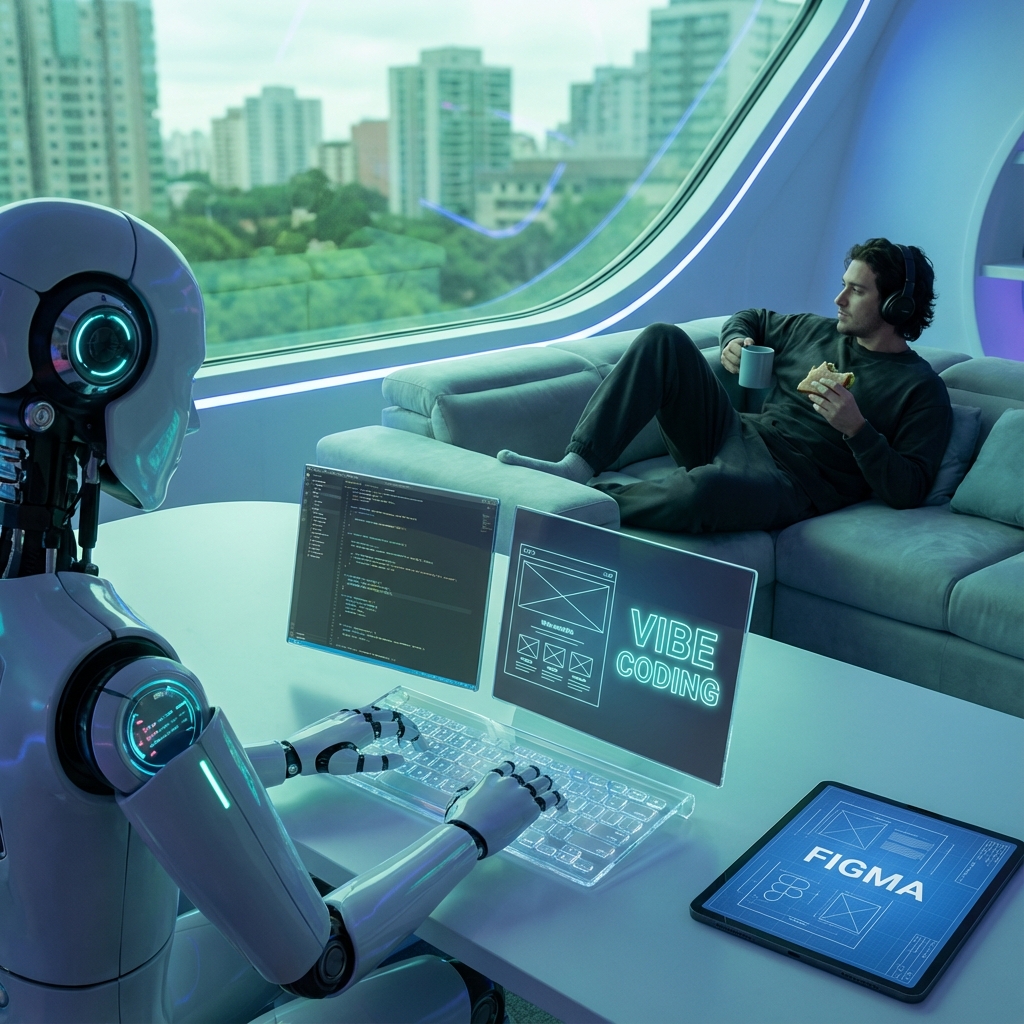 The automated feedback loop: Code, Check, Fix, Repeat.
This is Vibe Coding. You can literally go have lunch while the AI iterates on the feedback loop. It’s not just about writing code; it’s about automating the verification of that code.
Conclusion
The future of coding isn’t just about smarter models; it’s about better context. By using MCP to connect our agents to our runtime environments (browsers, databases, logs), we remove the friction of manual feedback.
We stop being copy-paste machines and start being architects. We define the goal, and the agent handles the implementation and the verification.
So next time you find yourself copy-pasting an error log, ask yourself: Why can’t the AI just read this itself? With MCP, it can.